# A tibble: 8 × 8
...1 Od Am…¹ Od Am…² Od Am…³ ...5 Od An…⁴ Od An…⁵ Od An…⁶
<chr> <dbl> <dbl> <dbl> <lgl> <dbl> <dbl> <dbl>
1 3 2.1 3.01 2.96 NA 66 67.7 65.7
2 5 1.56 1.36 1.54 NA 19.6 14.7 360.
3 14 4.79 4.73 4.72 NA 360. 353. 353.
4 15 0.35 0.32 0.3 NA 257. 234. 276.
5 18 0.91 0.83 1.12 NA 350. 344. 349.
6 <NA> NA NA NA NA NA NA NA
7 1,2,3 are the three rea… NA NA NA NA NA NA NA
8 Amp and Angle are paire… NA NA NA NA NA NA NA
# … with abbreviated variable names ¹`Od Amp1`, ²`Od Amp2`, ³`Od Amp3`,
# ⁴`Od Angle1`, ⁵`Od Angle2`, ⁶`Od Angle3`
OK, first let’s remove the notes.
We first slice the first 5 rows, then fix the encoding for Od Amp1, then remove the empty column in between
However, we aren’t done. The data is “wide” instead of “long” and we have mixed session IDs (Amp 1-3 and Angle 1-3) with the value type.
Let’s first deal with the wide issue. If we google “R wide to long” we find this page near the top http://www.cookbook-r.com/Manipulating_data/Converting_data_between_wide_and_long_format/ which tells us that gather is the function we want.
Test_Session is the name for the column containing Od Amp1 to Od AngleValue is the name for the column holding the test measurements.
# A tibble: 30 × 3
   Patient Test_Session Value
   <fct>   <chr>        <dbl>
 1 3       Od Amp1       2.1
 2 5       Od Amp1       1.56
 3 14      Od Amp1       4.79
 4 15      Od Amp1       0.35
 5 18      Od Amp1       0.91
 6 3       Od Amp2       3.01
 7 5       Od Amp2       1.36
 8 14      Od Amp2       4.73
 9 15      Od Amp2       0.32
10 18      Od Amp2       0.83
# … with 20 more rows
Now we need to extract the session (1,2,3) and the test type (Amp or Angle)
We will use the fact that the session is always at the end to our advantage.
The str_sub function from the stringr package allows you to pick ‘negative’ positions in the string. So we pick last value and the first to the second last position to get what we need.
# A tibble: 30 × 5
   Patient Test_Session Value Session Test
   <fct>   <chr>        <dbl> <chr>   <chr>
 1 3       Od Amp1       2.1  1       Od Amp
 2 5       Od Amp1       1.56 1       Od Amp
 3 14      Od Amp1       4.79 1       Od Amp
 4 15      Od Amp1       0.35 1       Od Amp
 5 18      Od Amp1       0.91 1       Od Amp
 6 3       Od Amp2       3.01 2       Od Amp
 7 5       Od Amp2       1.36 2       Od Amp
 8 14      Od Amp2       4.73 2       Od Amp
 9 15      Od Amp2       0.32 2       Od Amp
10 18      Od Amp2       0.83 2       Od Amp
# … with 20 more rows
Now we have two value types (Angle and Amplitude) in one column. So we need to go from long to wide to split them apart.
We drop the now useless Test_Session column, grab the session number from the end with str_sub, then us the spread function to use the Test and Value columns to get it wide.
Not bad, but we have a lot of little things to do.
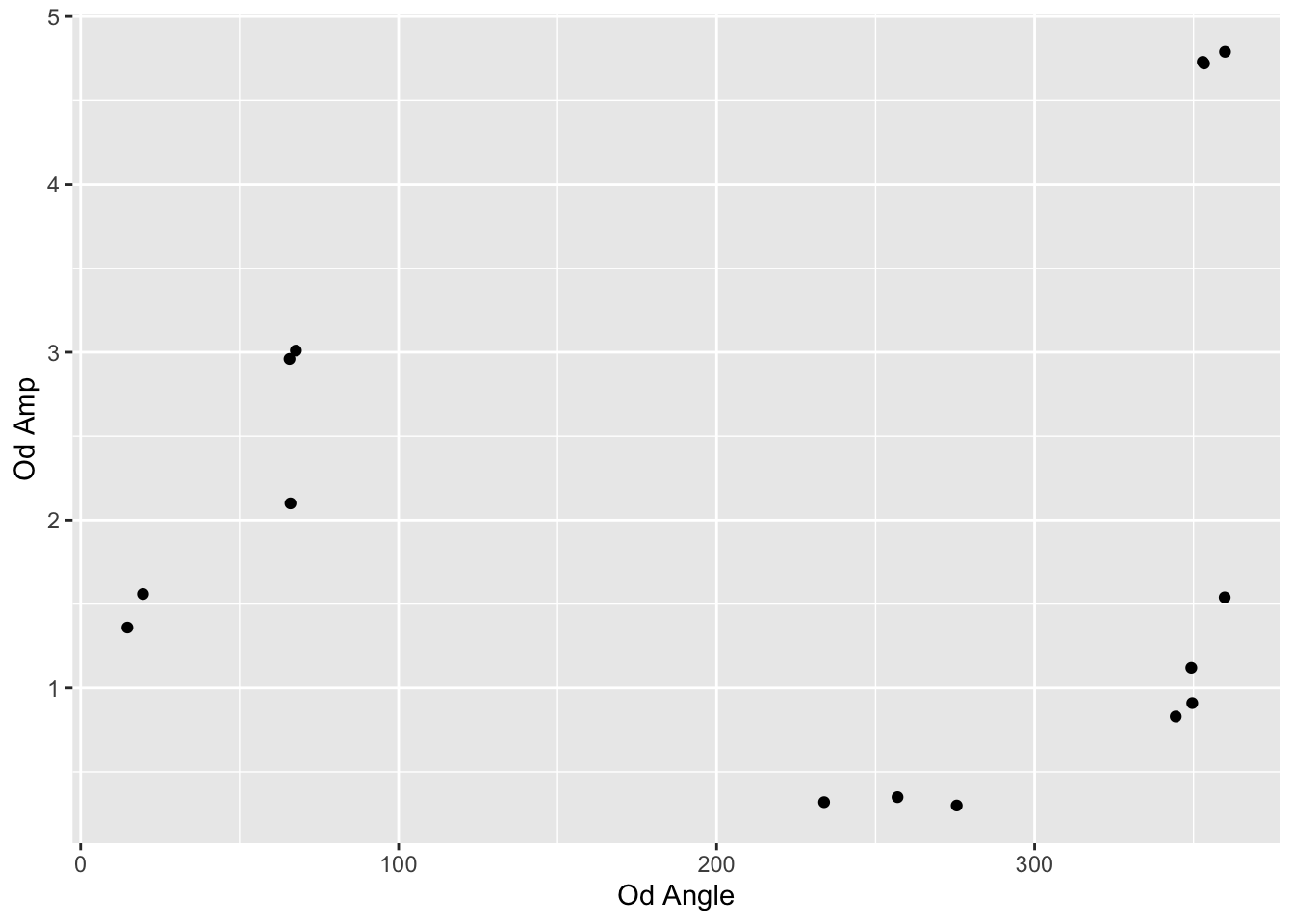
First, I’m suspicious that the ranges of values is from the smallest to the largest. Or maybe 0 to the largest. We can test this by filtering out the bigger values.
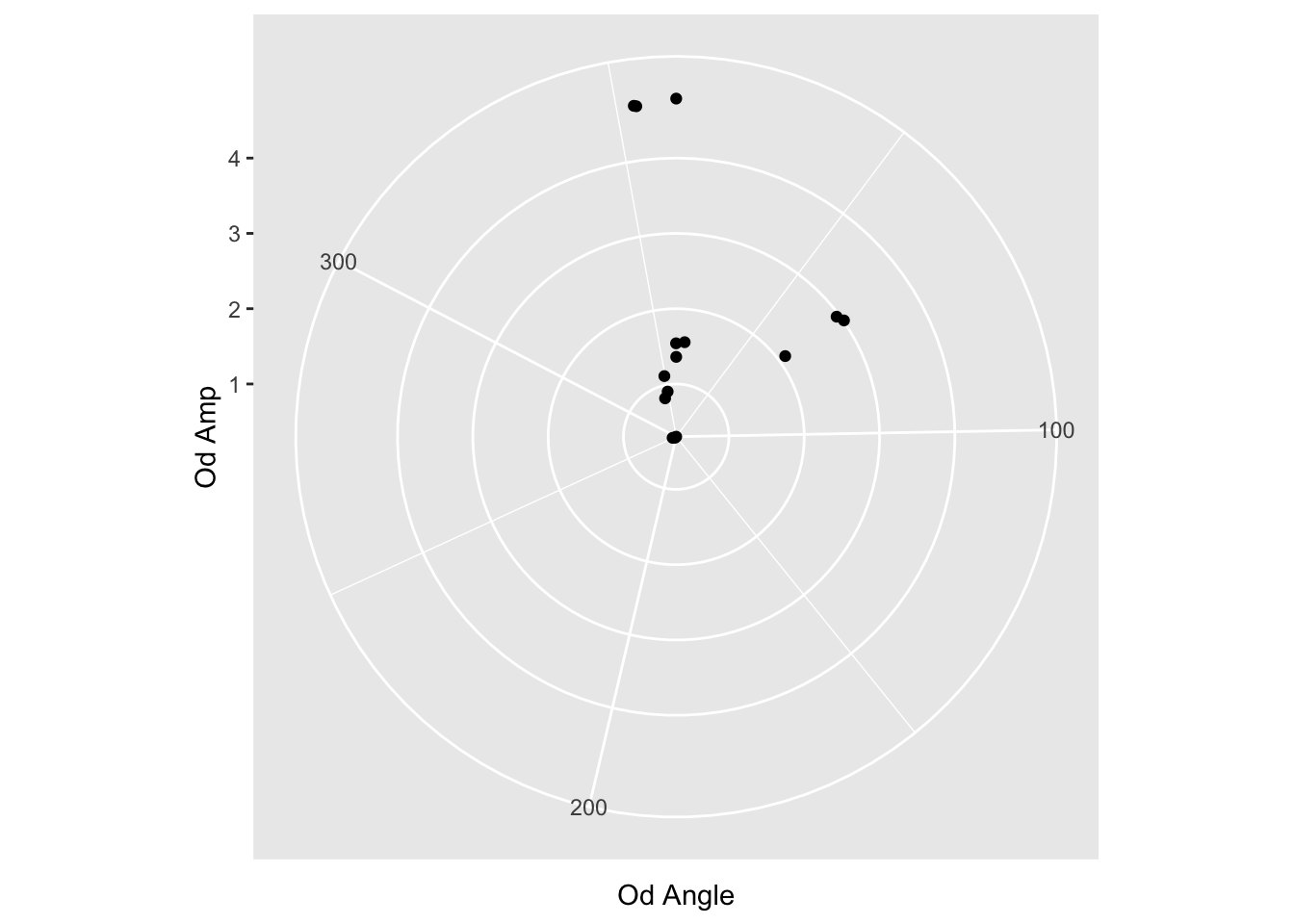
Cool, the range goes to 360 as expected. Still a few more things to do:
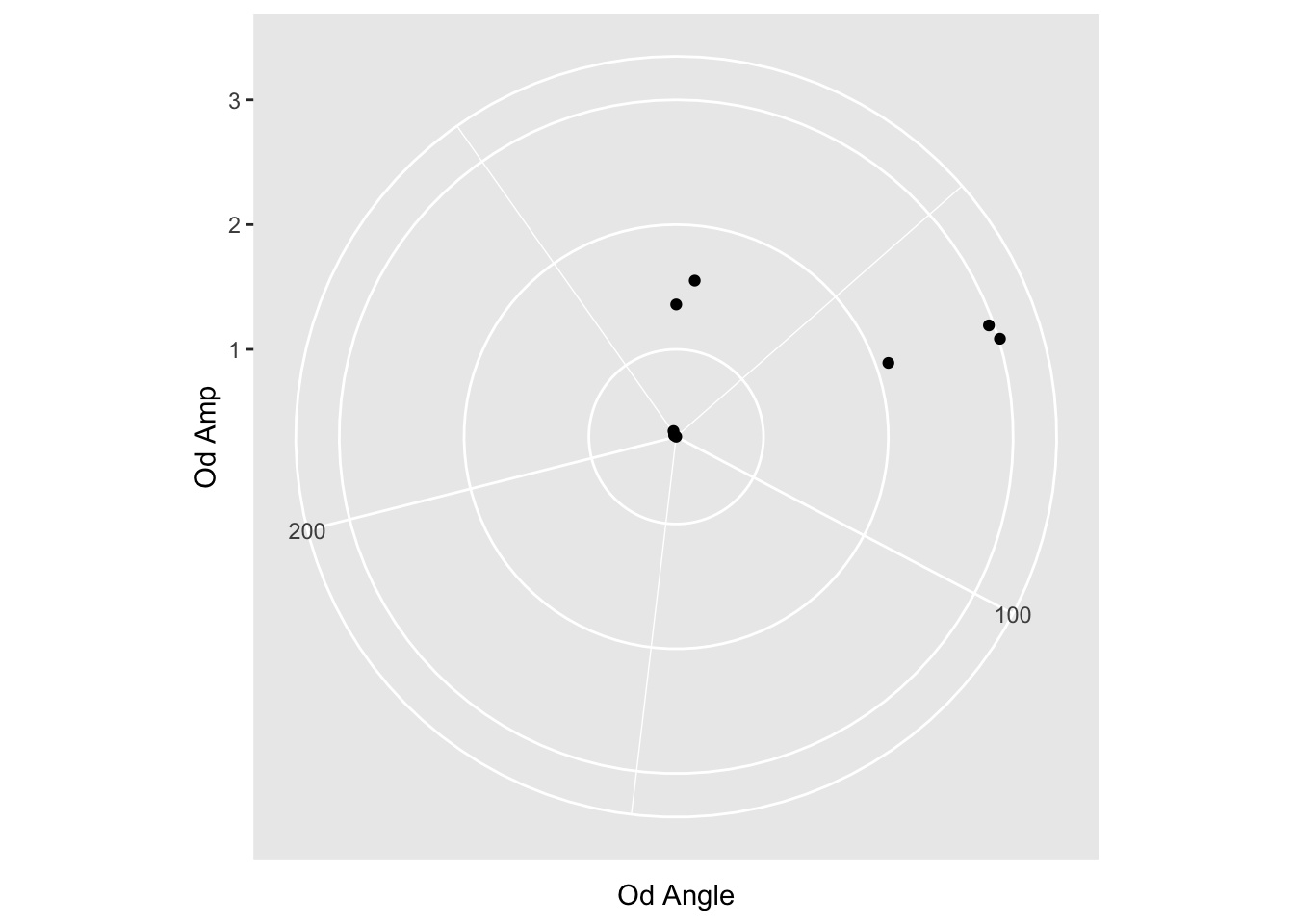
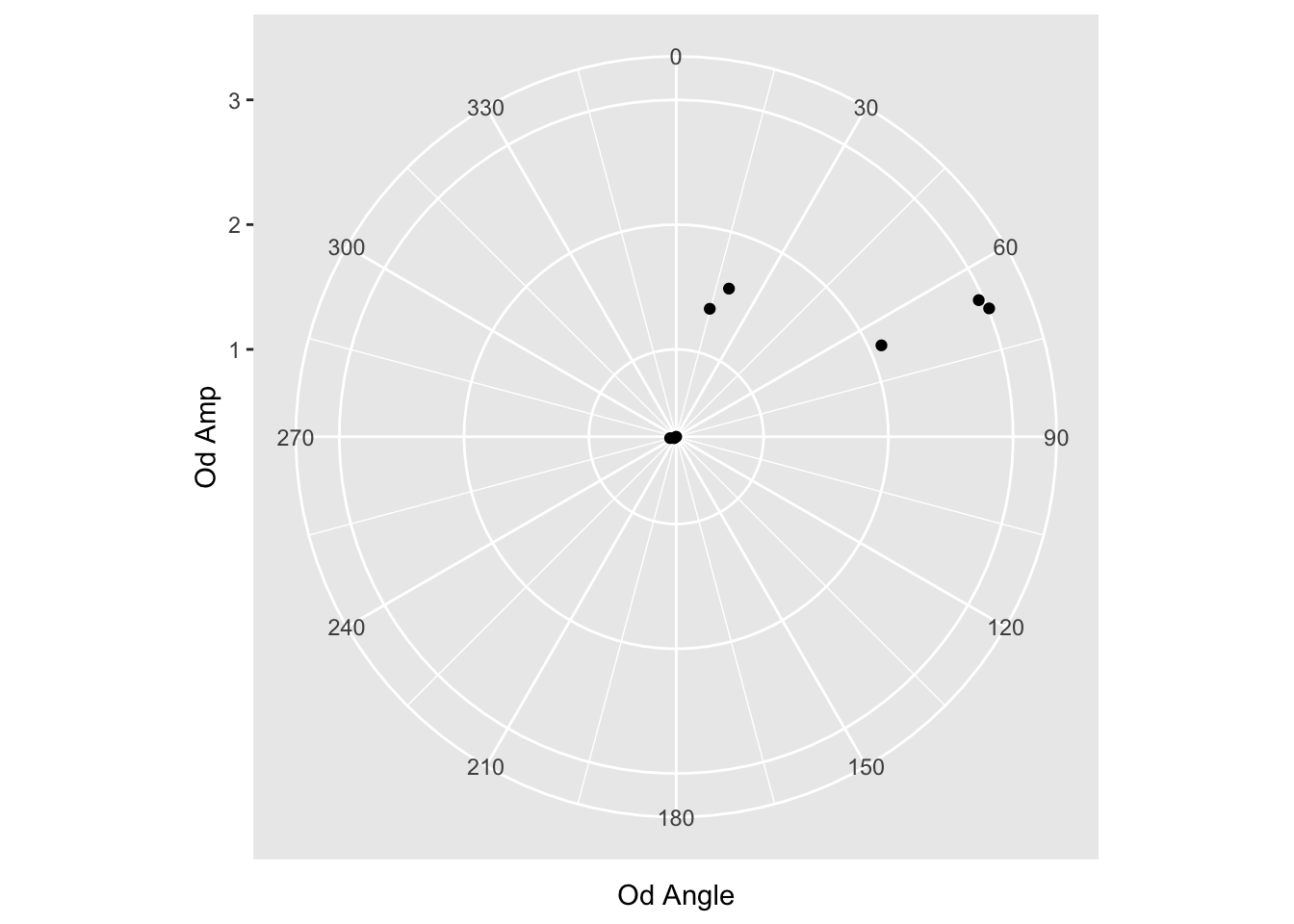
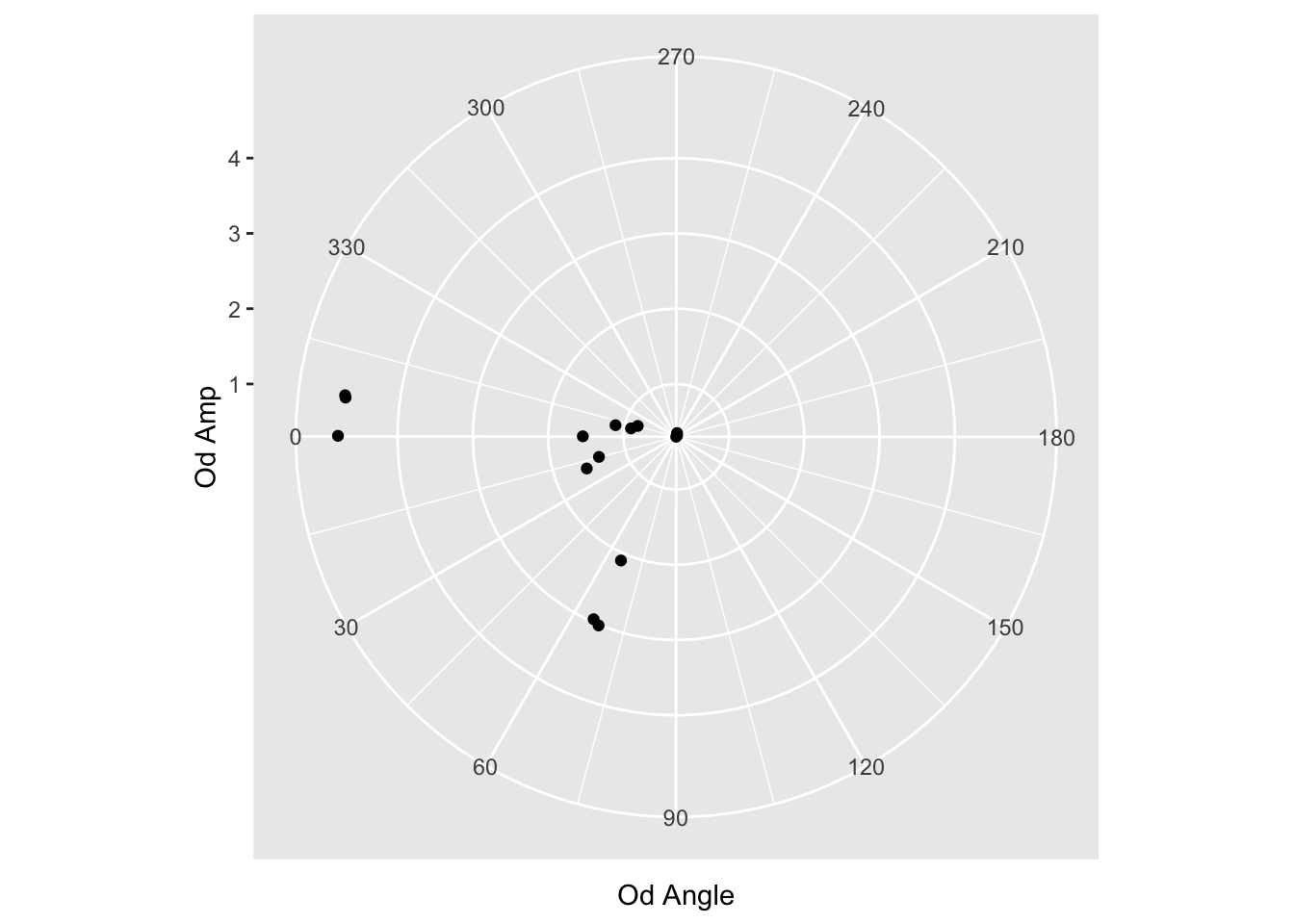
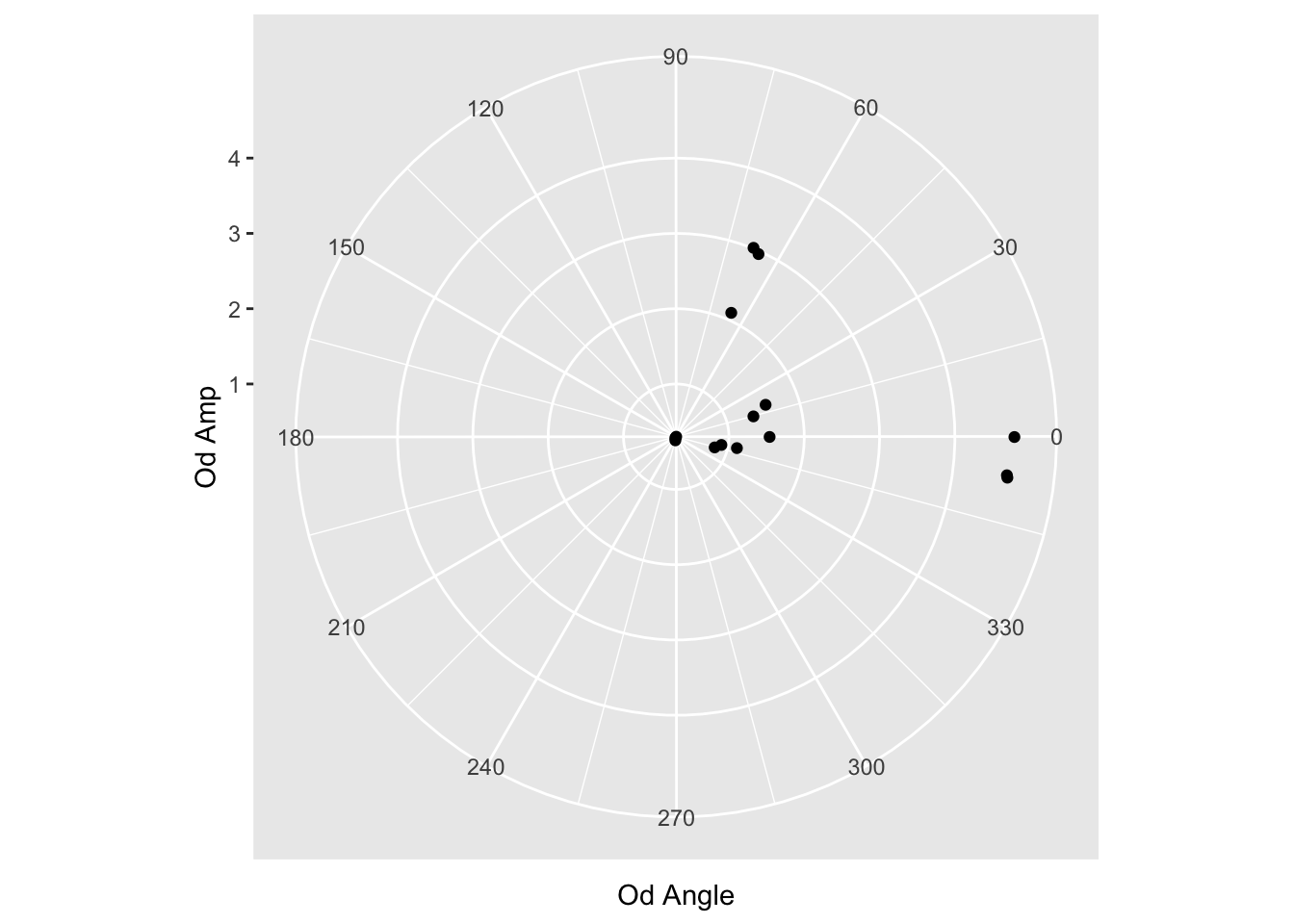
Rotate the start point so 90 is the top
Change directions of values from CW to CCW
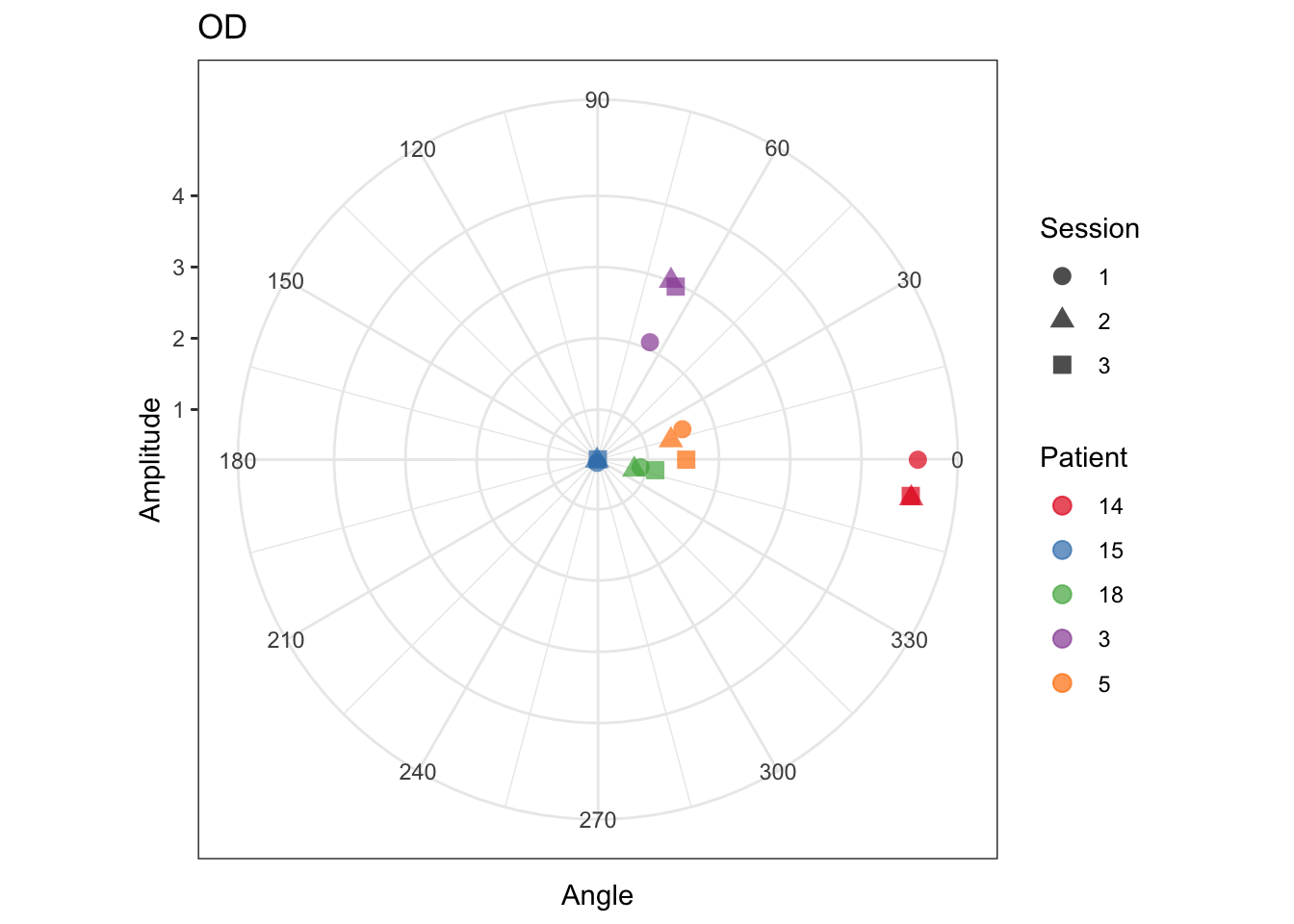
Add color and prettify
We examine the coord_polar options (type ?coord_polar in the R console) and see that start and direction are options. We want to shift 90 degrees…but the start parameter is in radians. Some quick googling let’s us know that 90 degree ~ 1.57 radians. Let’s use that. And -1 for direction to make it counter clockwise.